Weather map has a box over the top of the map, sometimes on the side also, Plus, the map changes location when restarted.
Run a custom map URL from the Map Viewer and you won’t see that. I run a custom radar map for my region. The animated GIF maps are the best ones.
@thewiliam which version of Weather Watcher are you using?
Please post a screenshot so we can see what you’re describing.
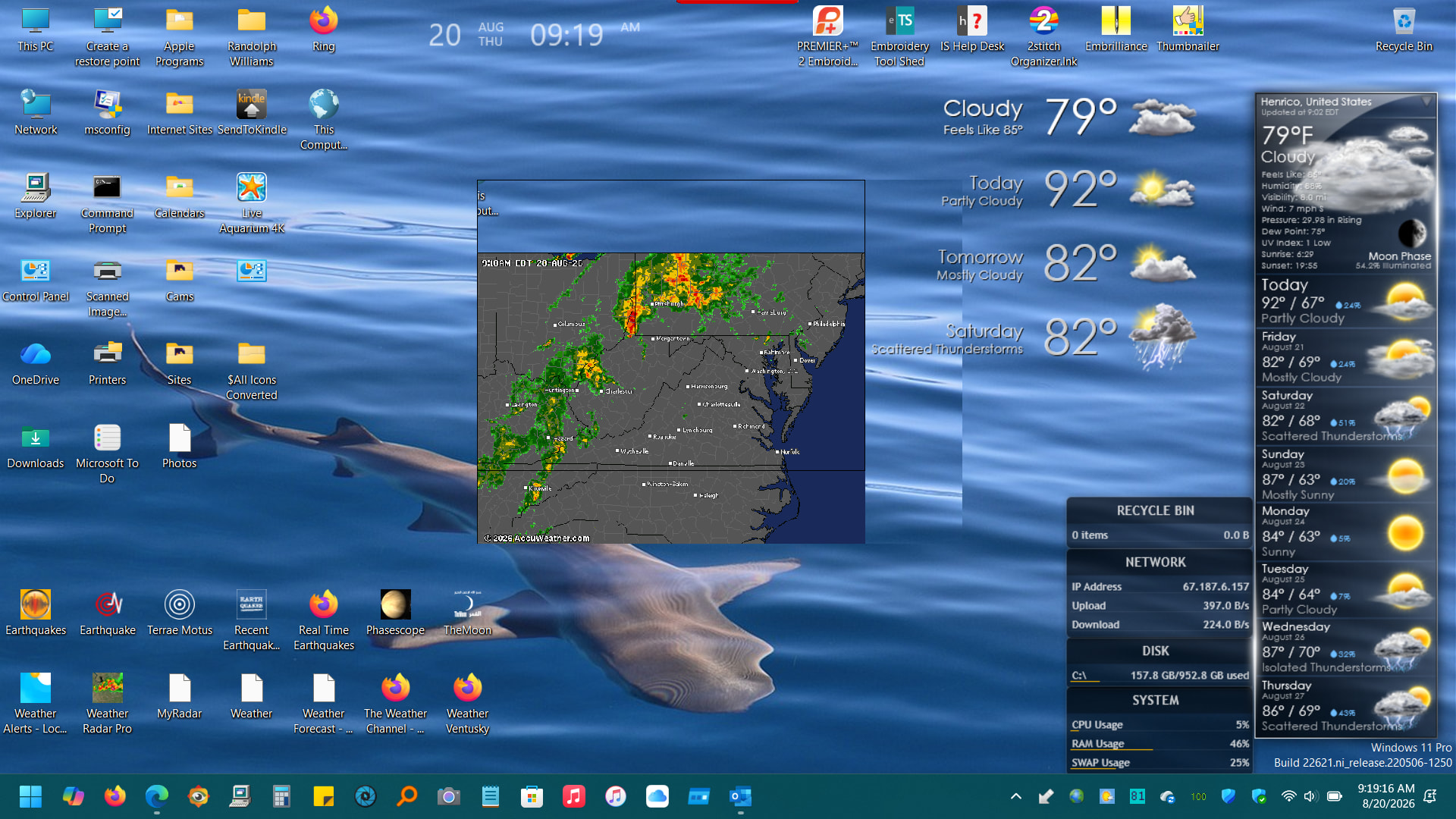
Version 7.4.5
Please try deleting and re-adding that magnet. If that doesn’t resolve the issue, please share the URL for the map you’re using with that magnet so I can try to reproduce the problem on my end.