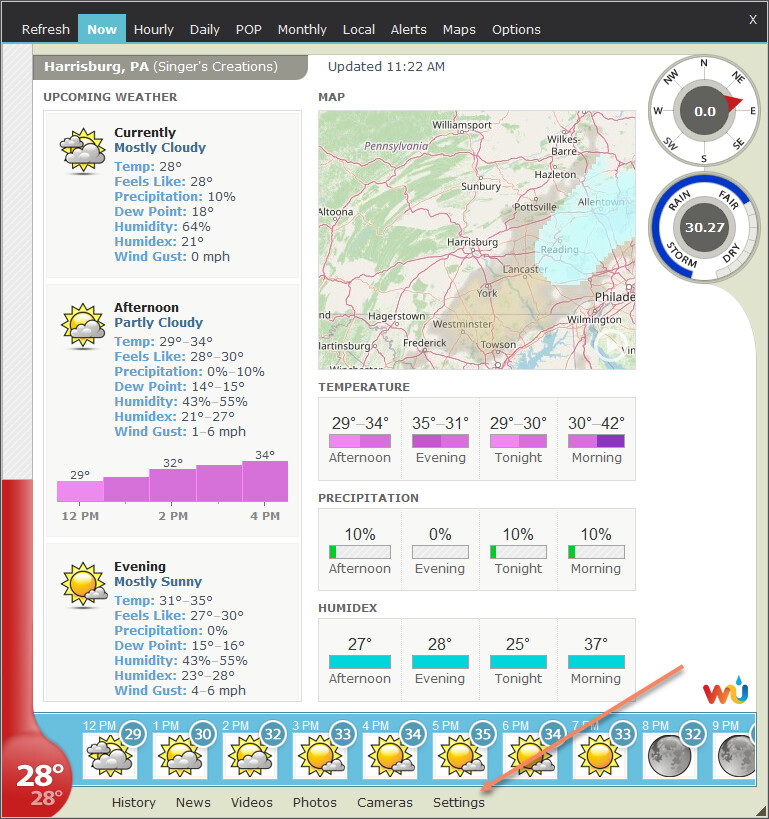
I don’t know what happened, but something is definitely wrong with the map.Today I updated to version 7.4.3, until now I was using zoom level 3 and I could see the local roads, now I can’t see them even at zoom level 6 and there is no higher zoom option.
The radar map source recently reduced the maximum zoom level for their map, so street level zooming is no longer available because there are no radar layers at that zoom level. Radar tile images are not provided at street level accuracy anyhow, so when you zoom in that far on any map, the radar location you see is likely not very precise.
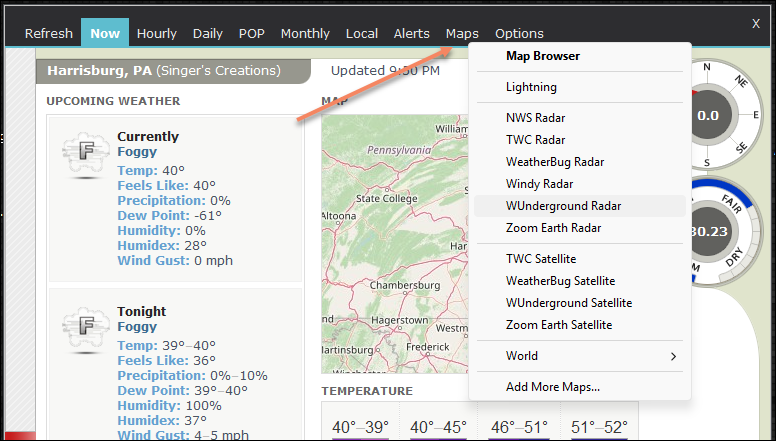
If you’d like to take a closer look at the radar, you can always use one of the radar maps available in the Maps menu here:
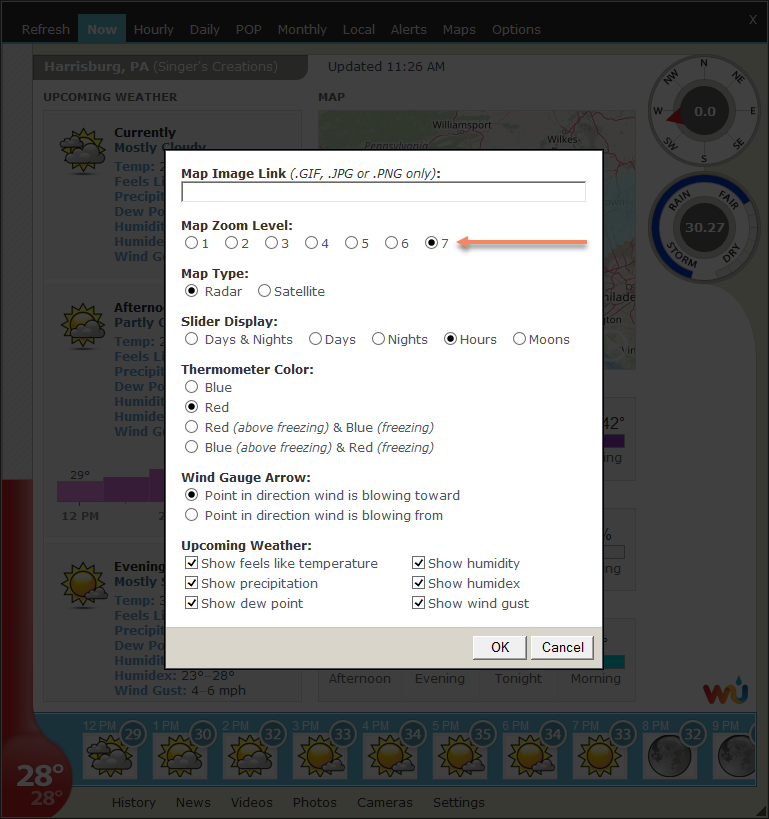
After reinstalling, the image above disappeared, but the Zoom level still doesn’t work. I changed it from 1 to 7 but nothing happens ): the same Map appears without any modification.
@moldon please post a screenshot showing the main Weather Watcher window after you set the Map Zoom Level to 7 and click Refresh at the top of that window.