on the display page no map is being shown with the dfata
If you’re still experiencing this issue, please try upgrading to the latest version of Weather Watcher.
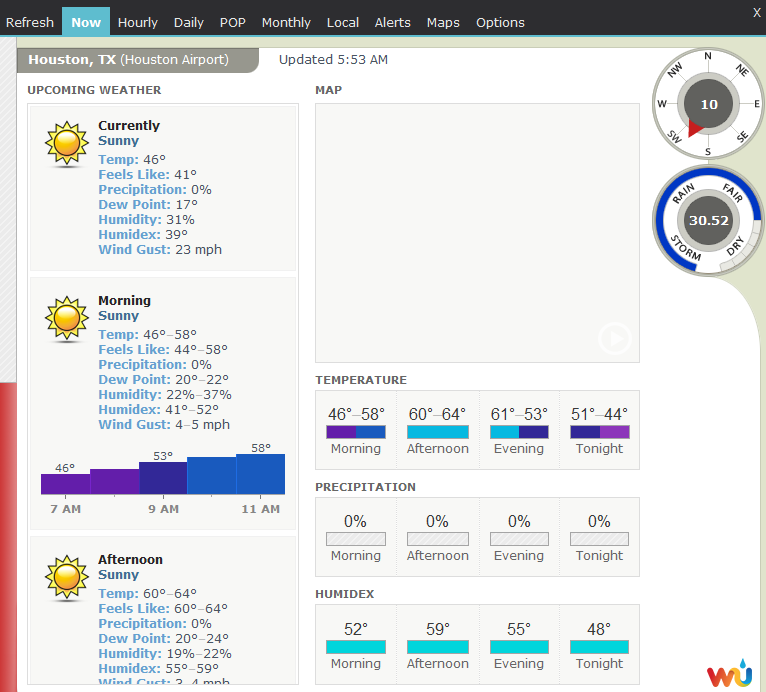
@Louis_McCutchen try temporarily disabling any security applications you’ve installed, like antivirus software or VPN apps, just to make sure none of them are preventing Weather Watcher from downloading and displaying the map properly.
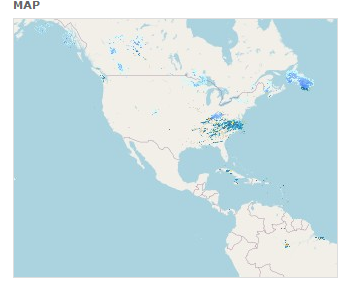
@Louis_McCutchen looks good now! It appears something on your computer was preventing Weather Watcher from downloading the map.
Now all you need to do is adjust the map zoom level like this:
Works now that an actual map is showing. Not sure about the previous white screen. I tried all the zoom levels and got nothing but the white screen.
my map is showing the same thing as @Louis_McCutchen no matter what station I use
@Tia_D_Jenkins could share a screenshot of your main Weather Watcher window and Map Zoom Level setting?
Also, which version of Weather Watcher are you using?